Smoother games on the GPU you already have.
TGIP adds frames in between the ones your game renders, so a game running at 60 fps is shown at 120 or more. It works on any game window on Windows, inside Vulkan and Proton games on Linux, and on your video files.
TGIP is in private testing. Request access, and you can download it as soon as you're approved.
Frame generation that fits how you play
Start it with a hotkey, keep it running in the tray, and forget it's there until you want the numbers.
Any game window
On Windows, TGIP shows the generated frames in an overlay on top of the game. Windowed and borderless games work, whatever API they use.
Inside games on Linux
On Linux, TGIP runs inside the game itself. Add one launch option in Steam and it works with native Vulkan games and with Proton.
Video files
Raise a video to ×2 up to ×8 its frame rate. The sound stays, and your GPU encodes the result.
A sharp HUD
Parts of the picture that hold still, like the HUD, text and the crosshair, are kept sharp instead of being guessed along with the moving scene.
Precise motion
A finer motion search for camera pans and fine detail like foliage and text, when your GPU has time to spare.
Sharper at lower resolutions
Run a game below your screen's resolution and TGIP scales it up with AMD FSR, NVIDIA Image Scaling, Anime4K, integer scaling for pixel art and more. Video files too.
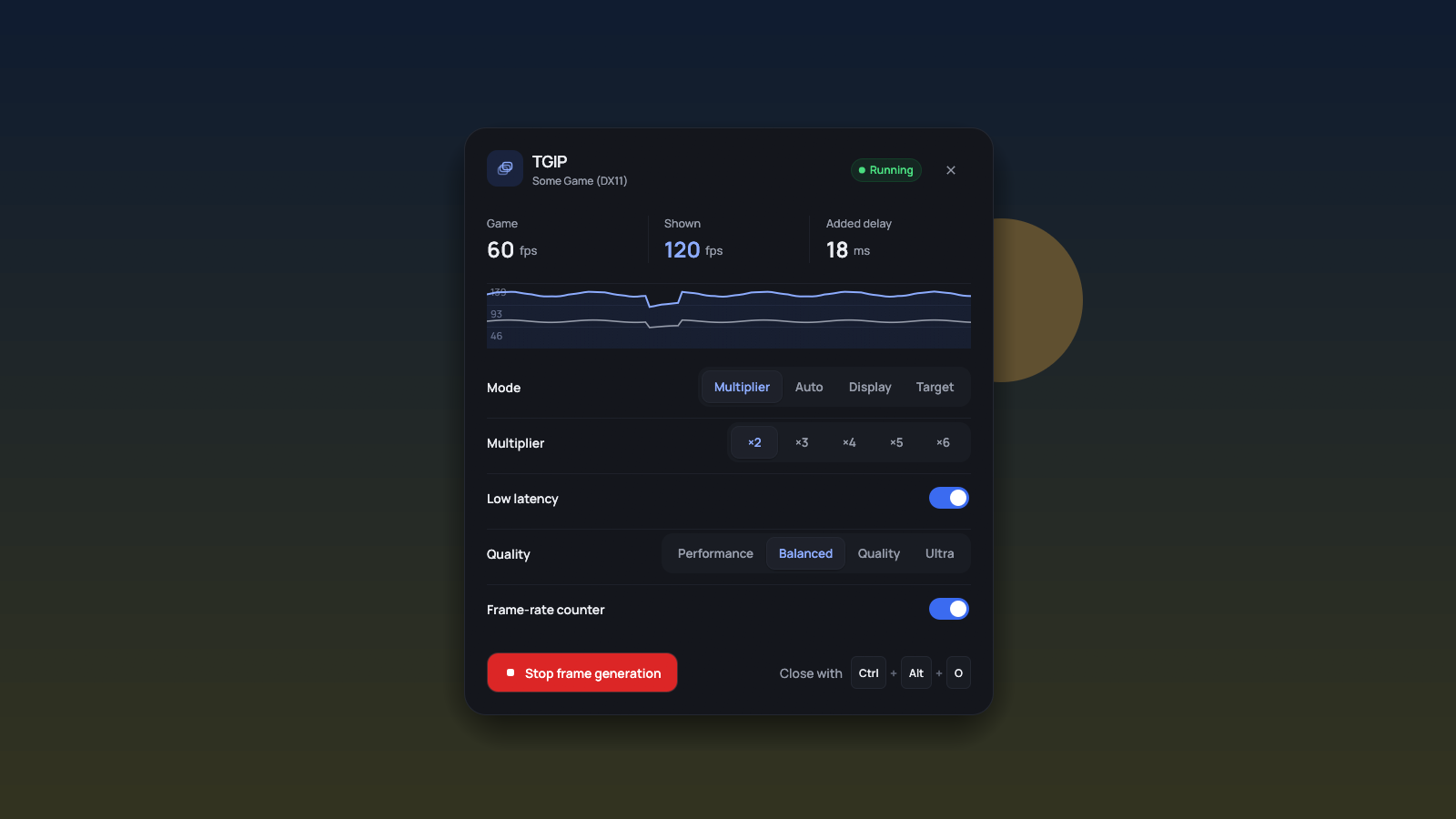
Everything you need, without leaving the game
Press Ctrl+Alt+O in a game and the TGIP panel opens over it: what your game renders, what you see, and the settings that matter most.
- Fixed multipliers, or as many frames as your display can show
- Low-latency pacing for games
- A small frame-rate counter in the corner
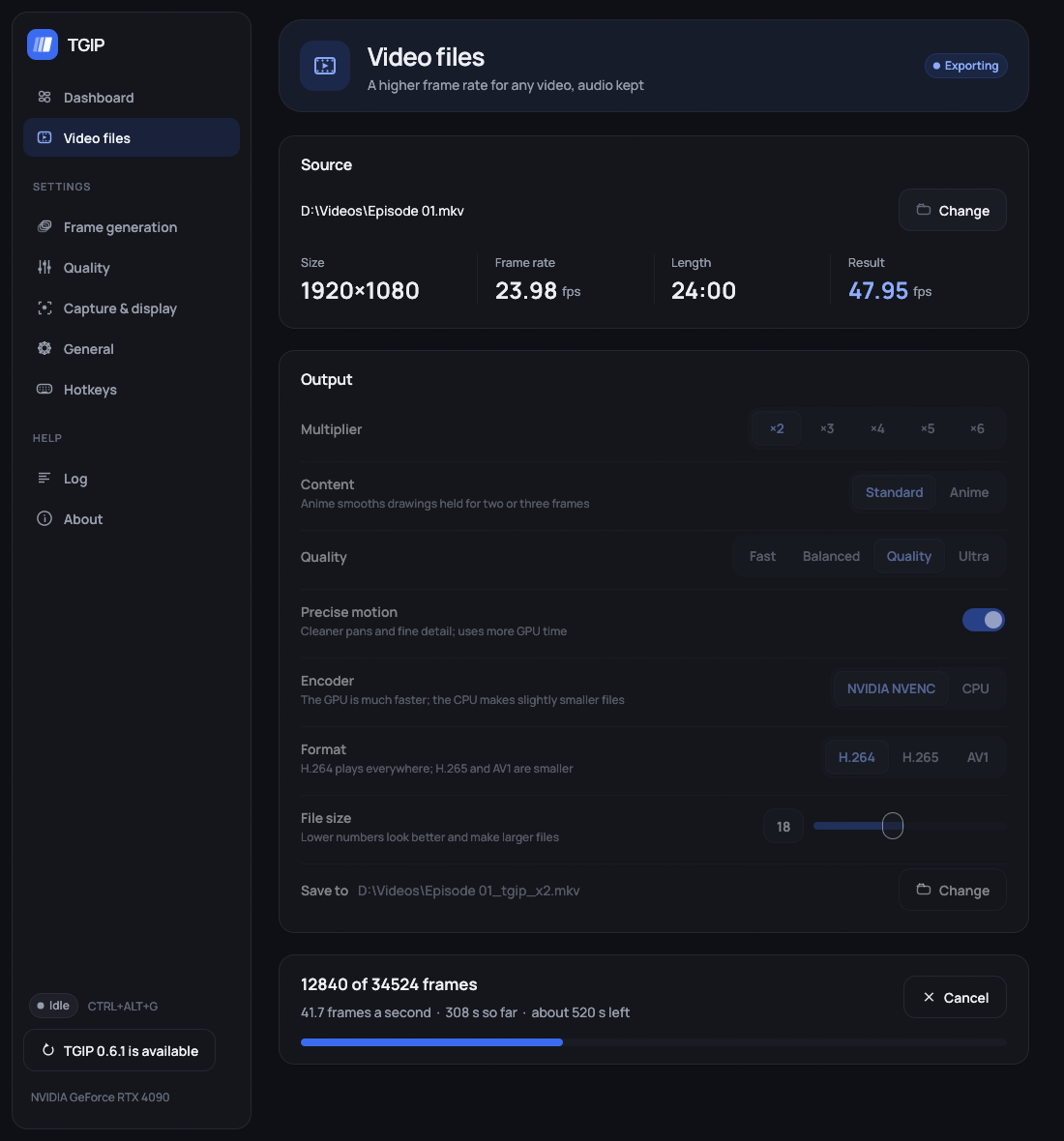
Higher frame rates for your videos
Pick a file, pick ×2 to ×8, and TGIP writes a new video next to it. Cartoons and anime get a cadence setting of their own.
- Encodes on NVIDIA, AMD or Intel GPUs
- H.264, H.265 and AV1
- Audio kept as it is
How access works
TGIP is shared with a small group of testers. Every account is approved by hand.
Request access
Create an account with your email address and a password.
Get approved
We look at every request. Sign in here any time to see where yours stands.
Download and sign in
Download TGIP for your system and sign in to the app with the same account. It keeps itself up to date.